Print-only books
Listen to a section that has no accessible digital edition or recorded audiobook.
For a print-only chapter, handout or book, photograph the pages in Frateca, let OCR extract the text, and listen in a natural voice.
Before · print only
After · inside your Frateca library
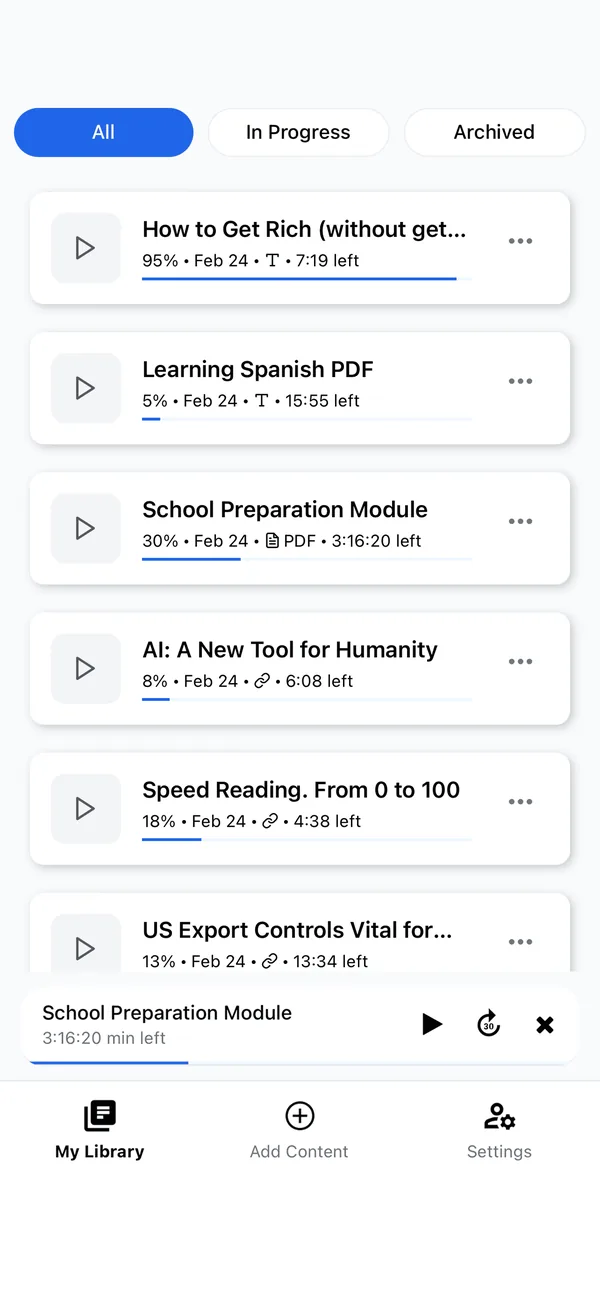
This sample shows the audio stage after OCR. The camera capture itself happens in the supported Frateca mobile app.
You've used your free previews
Create a free account to keep listening — turn entire PDFs, ebooks and articles into natural audio, unlimited, and synced across your phone and the web. No credit card needed.
Free demo · up to 3,000 characters per clip · The app reads whole PDFs, books and articles →
These are current Frateca interfaces, not concept art. The exact controls available can vary by platform and app version.
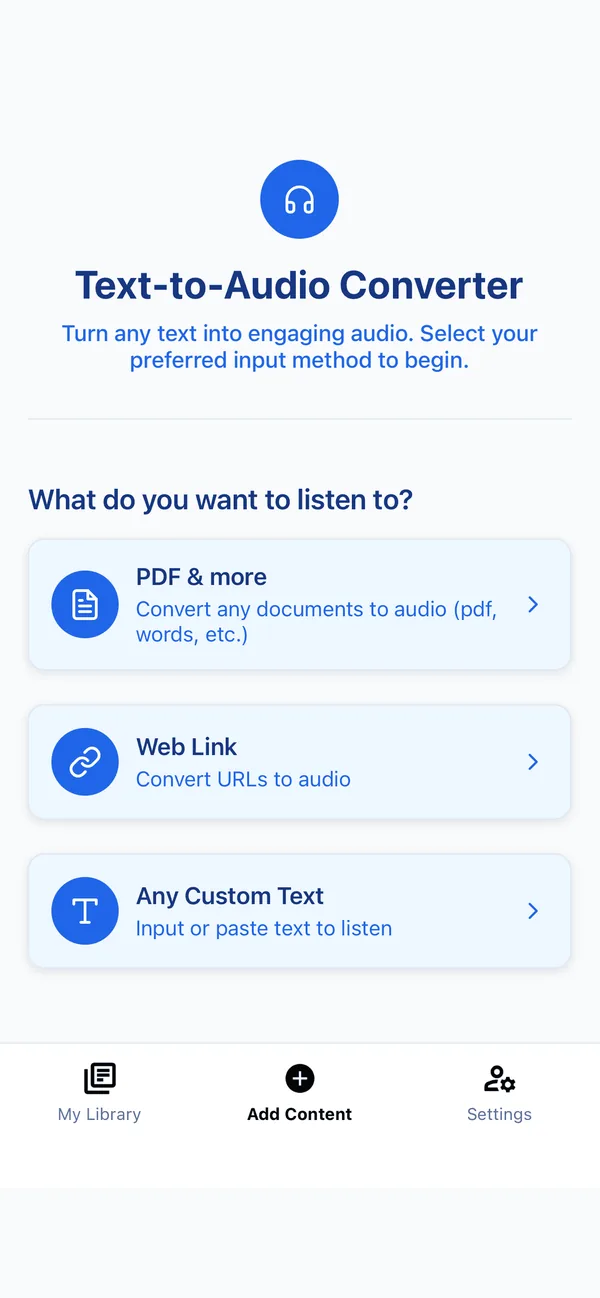
Listen to a section that has no accessible digital edition or recorded audiobook.
Capture prose-heavy assigned pages and keep figures nearby for visual checking.
Convert clear printed sheets or typed notes without retyping every paragraph.
Make a personal listening copy of permitted text when only a physical source is available.
The generated voice can only read the characters the camera and OCR recognised.
Use even light, flatten the page gently, fill the frame and hold the camera parallel to the text.
Scan a manageable section and check the extracted opening, page order and difficult terminology.
Choose a voice, create the audio, and keep the original page nearby whenever exact details matter.
“I read a lot, and I listen to a lot of audiobooks. This app is so handy because you can import whatever file you need and have your own personal audiobook to listen to. The app is easy to use, very smooth and very intuitive. Love it!”
Start with a clear, prose-heavy page. The free plan gives you 20 listening minutes daily, so you can judge OCR and voice quality with your own material.
The educational camera-and-OCR guide covers lighting, page curvature, reading order, verification and when a digital edition is the better choice.
On supported mobile devices, Frateca can photograph printed pages, use OCR to extract text and generate audio. Results depend on page quality and layout.
Use bright, even light; flatten the page; avoid glare and shadows; keep the camera parallel; and fill the frame with sharp text.
The workflow is designed for clear printed text. Handwriting recognition varies widely and should not be relied on for exact or consequential information.
Technical capability does not determine legal permission. Use only material you may lawfully process, keep personal conversions private, and follow the source’s terms and applicable law.
Camera and OCR on supported mobile devices · 20 free minutes daily
Scan a page free →